Learning Keyboard for Kids
On this page, kids will learn about the keyboard, important keys, and fun exercises to improve typing skills in an easy and enjoyable way.
What Is a Keyboard?
A keyboard is an input device used to type letters, numbers, symbols, and give commands to a computer. Almost everything we type on a computer starts from the keyboard.
Types of Keyboard
A keyboard can be used in different forms. Let’s learn the types of keyboards that help us use a computer.
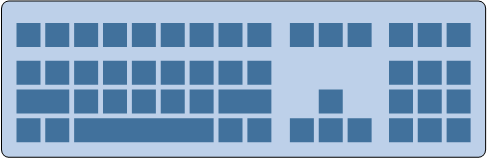
1️⃣ External Keyboard (Physical Keyboard)
An external keyboard is the keyboard we usually use every day.
- This is a real keyboard that we press with our fingers
- It is connected to a computer using a USB cable or Bluetooth
- It has letters, numbers, and many special keys
👉 This keyboard is comfortable and good for learning typing.
2️⃣ Internal Keyboard (On-Screen Keyboard)
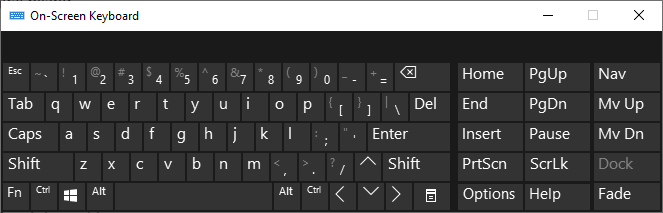
An internal keyboard is also called an On-Screen Keyboard.
- The keyboard appears on the computer screen
- We click the keys using a mouse or touch screen
- It is very useful when:
- The external keyboard is broken
- Some keys do not work properly
👉 This keyboard helps us continue learning even when the physical keyboard has problems.
3️⃣ Special Keyboard (Numeric Keyboard)
There is also a special keyboard used for certain jobs. This keyboard is called a numeric keyboard.
- This keyboard has numbers only
- It is often used by people working in:
- Accounting
- Cashier
- Finance or data entry
👉 This keyboard helps type numbers faster and easier. It is also great for kids who are learning numbers.
🔢 Numeric Keyboard Example
Special Keyboard for Disabilities
Computers can be used by everyone, including people with disabilities. There are special keyboards designed to help users with visual impairments.
1️⃣ Keyboard for Blind Users (Braille Keyboard)
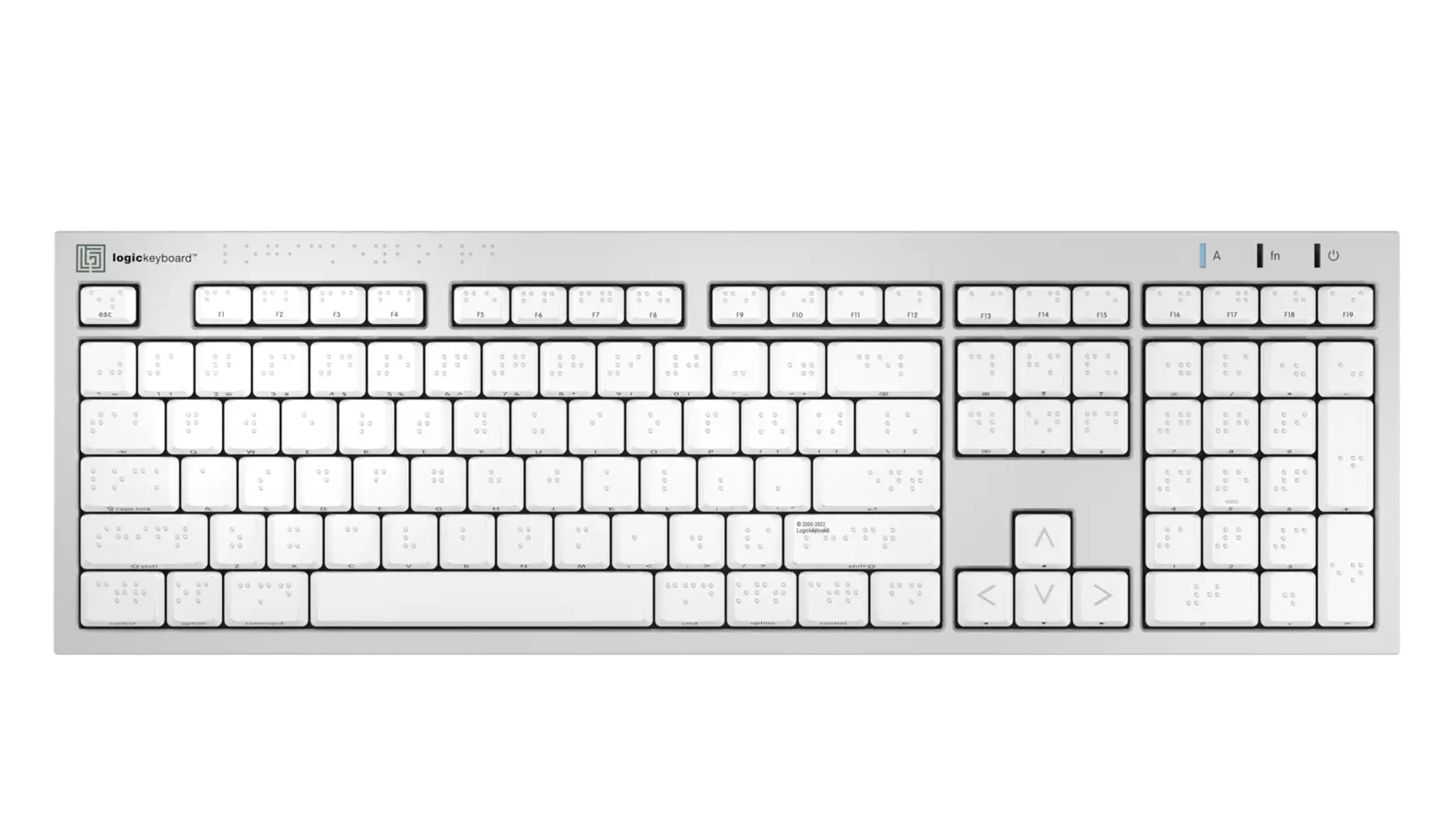
A Braille keyboard is designed for people who are blind (cannot see). Instead of letters like A, B, C, it uses a system called Braille.
- Braille uses raised dots that can be felt by fingers
- Users type by touching and feeling the dot patterns
- It helps blind users read and write on computers
👉 This keyboard allows blind users to learn, work, and use computers independently.
Source: Logickeyboard
2️⃣ Keyboard for Low Vision (Non-Braille)
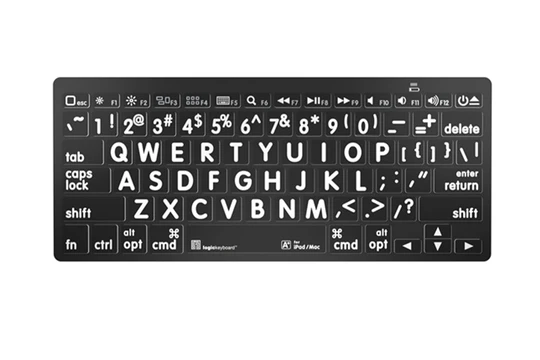
A low vision keyboard is designed for people who can see, but have difficulty seeing small letters.
- Keys have large letters
- High contrast colors (for example: black and yellow)
- Easier to read and use
👉 This keyboard helps users type more easily without straining their eyes.
Source: Sterling Adaptives
✨ Important: Technology is made for everyone. With special tools like these keyboards, all people can learn and use computers happily.
Types of Keyboard Keys
Other Important Keys
- Enter: To start a new line or send a command
- Backspace: Deletes the letter to the left of the cursor
- Shift: Creates uppercase letters or symbols above numbers
- Ctrl & Alt: Shortcut combinations for quick commands
🔵 Function Key (Fn Key)
The Fn key (Function key) is a special key that is usually found on laptop or notebook keyboards.
Because the keyboard space on a laptop is very small, there is not enough room to create many extra keys like on an external keyboard. That is why the Fn key is very helpful.
The Fn key works by pressing it together with other keys. These functions are usually written in blue color on the keyboard.
✨ What Can the Fn Key Do?
- 🌞 Make the screen brighter
- 🌙 Make the screen dimmer
- 📽️ Activate an external monitor or projector
- 🔊 Control volume (up, down, mute)
- 📶 Turn Wi-Fi on or off
👉 The Fn key helps us use many functions without adding more keys. This makes the laptop keyboard simple, smart, and useful.
Typing Practice for Kids
Start practicing with simple words, then move on to short sentences:
Let’s practice typing using an on-screen keyboard. Watch carefully how each key is clicked and how the letters appear on the screen.
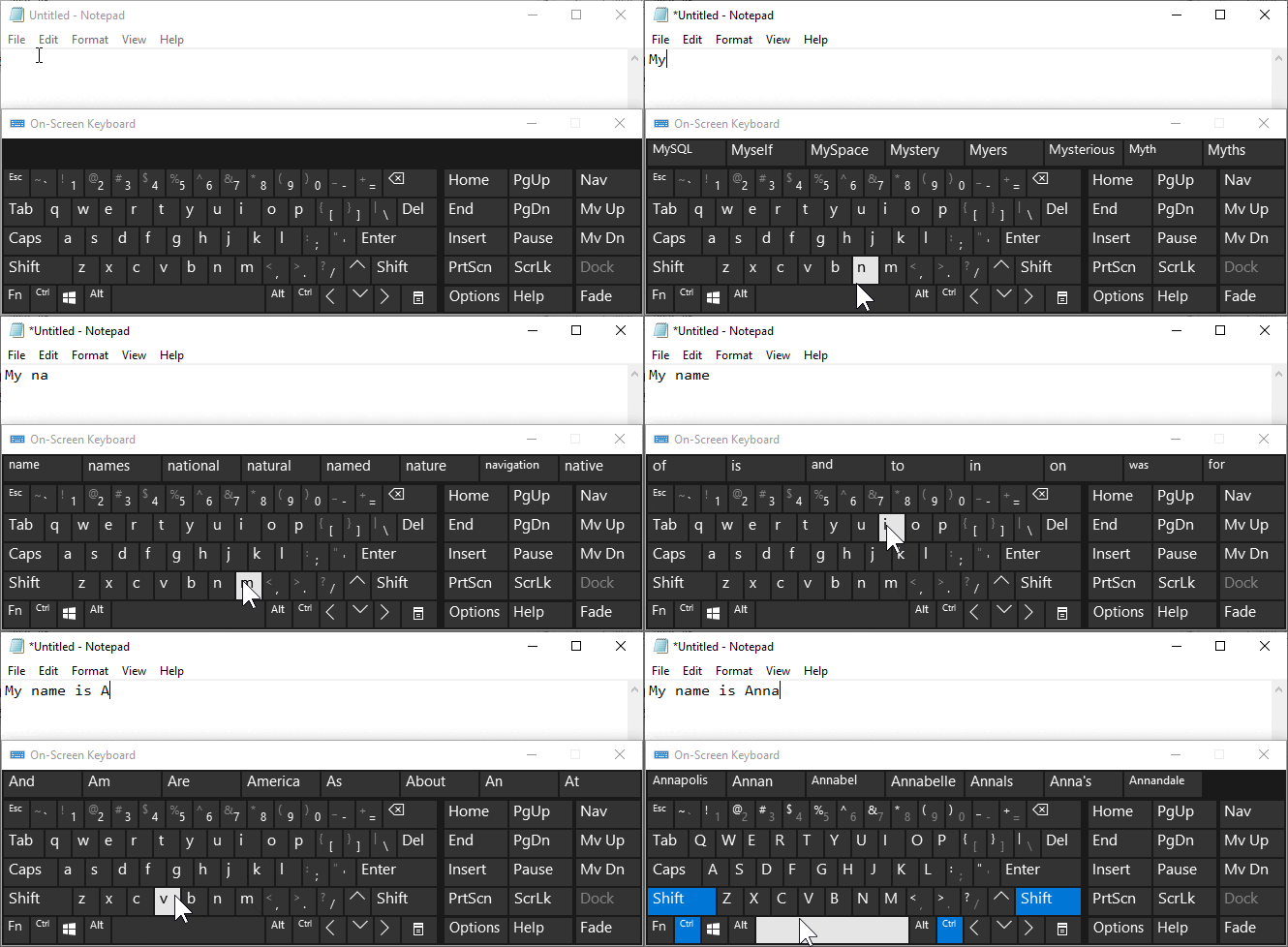
“My name is Anna”
👉 When a key is clicked, the button lights up and the letter appears in Notepad. This helps kids understand how typing works step by step.
- Type your own name several times
- Practice typing words from books or the whiteboard
- Try copying short sentences from the screen
✨ Let’s use the keyboard!
⌨️ Practice Typing in WordPad