Computer Introduction for Kids
Welcome to the Computer for Kids class! On this page, we will learn about computers from the very beginning:
- What is a computer?
- Computer parts
- How computers work
- Examples of computer use in daily life
What Is a Computer?
A computer is a smart machine that helps us count, write, draw, play games, watch videos, and learn. Computers work by following instructions given by humans.
Computers can also monitor and control machines. For example, computers can turn lights on and off at home, control factory machines, and help doctors check medical equipment.
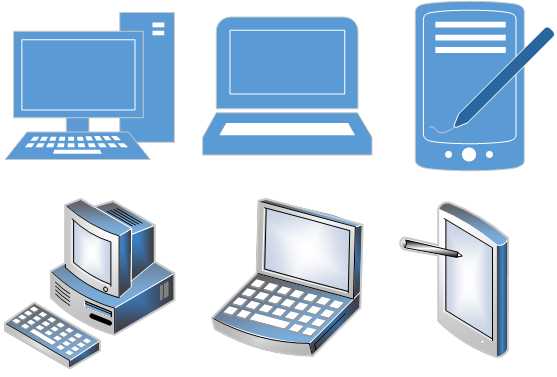
Desktop Computer
Laptop
Tablet
Main Parts of a Computer
A computer has several main parts that work together. These parts follow a simple system called Input – Process – Output.
1. Input Devices
Input devices are tools used to give commands and data to a computer.
- Keyboard (typing letters and numbers)
- Mouse (clicking and selecting)
- Scanner (scanning documents and pictures)
- Touch screen
- Light pen
- Signature pad
- Microphone (voice input)
- Camera or webcam
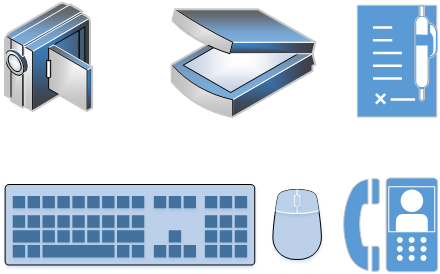
Input devices help us send commands to a computer
2. Processing Device
The CPU (Central Processing Unit) is the brain of the computer. It processes all instructions and data from input devices.
The CPU thinks, calculates, compares, and makes decisions based on the instructions given.
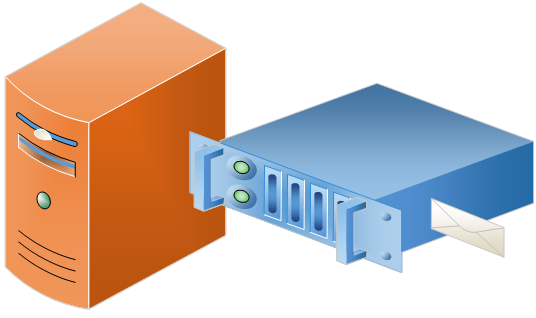
The CPU processes data from input devices
3. Output Devices
Output devices show the results after the computer finishes processing data.
- Monitor (showing text, images, and videos)
- Printer (printing documents and pictures)
- Speaker or headphones (sound output)
- Projector
- Mobile phone screen
Output can also be sent in digital formats such as:
- WhatsApp messages
- Fax
- Cloud storage
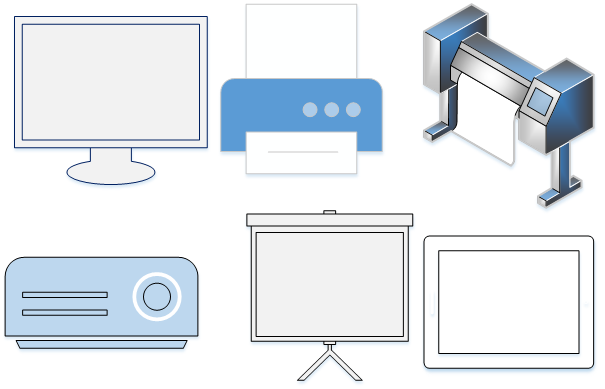
Output shows the results of computer processing
All these parts work together using the same system: Input → Process → Output. This is how a computer works every day.
How Does a Computer Work?
A computer works in three simple steps:
- Input – we give commands (keyboard, mouse).
- Process – the computer processes the commands.
- Output – the computer shows the results (monitor).
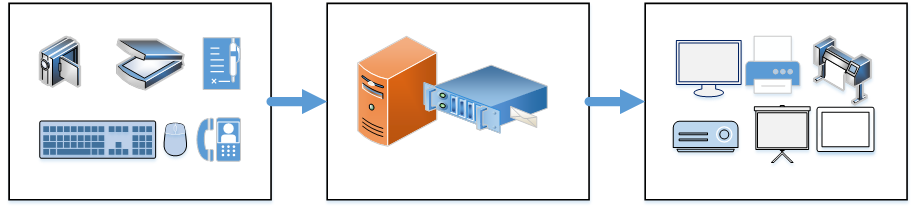
A computer works in three steps: Input → Process → Output
Input
Process
Output
🤖🎬 Video Illustration Created with AI Assistance
To make the lesson easier to visualize, we use Artificial Intelligence (AI) technology to help create an illustrative video about how computers work.
This video is not a replacement for the learning material. It is an additional visual aid to help us understand how information enters a computer, is processed, and produces an output.
🎬 See How a Computer Works
Now that we know about Input, Process, and Output, let's see them in action. Computer Kid shows how a computer receives information, processes it, and produces an output.
What Is a Computer Used For?
- Online learning
- Doing school assignments
- Drawing and creating animations
- Playing educational games
- Searching for information
- Listening to music
Learning
Drawing
Playing Games
Computers in Engineering and Industry
Computers are not only used for learning and games. They are also very important in engineering, factories, and industry.
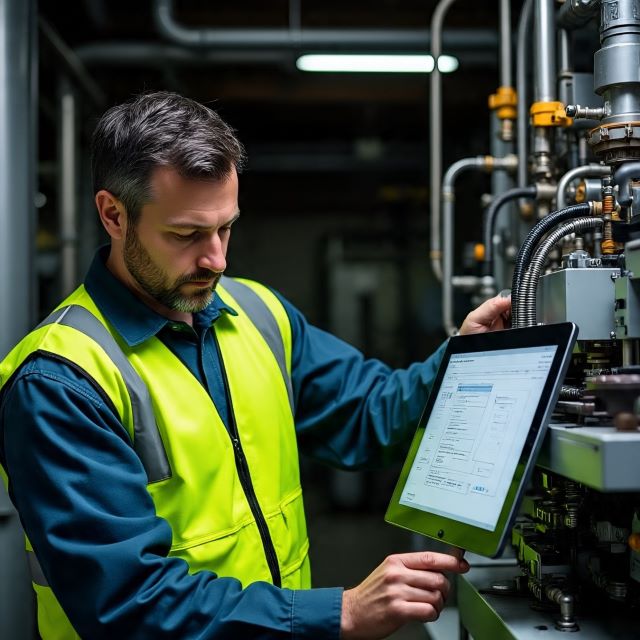
Computers help machines work automatically in factories
Example:
When a truck enters a factory, it passes over an electric weighing scale.
The computer automatically records the truck’s weight.
When the truck leaves the factory, it is weighed again. The computer compares the weight when entering and the weight when leaving.
If the weight is different, the computer sends a signal and the gate will close automatically. This means the driver must report to security.
Computers in Hospitals
In hospitals, computers help doctors and nurses work faster and more accurately.

Computers help doctors check patient data
- Recording patient information
- Checking blood pressure and heart rate
- Reading X-ray and CT scan images
- Helping doctors make decisions
Computers and Artificial Intelligence (AI)
Artificial Intelligence, or AI, is made using computers. AI helps computers think, learn, and make decisions.
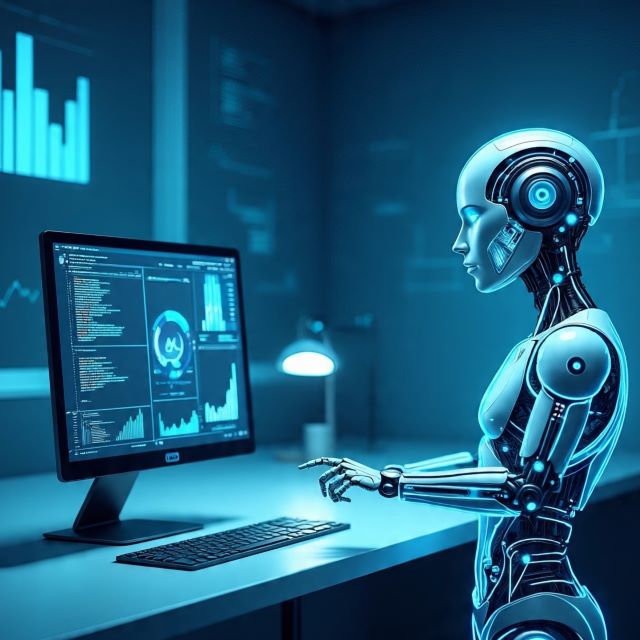
AI helps computers learn from data
- Face recognition on phones
- Voice assistants that answer questions
- Traffic light systems
- Smart robots in factories
Without computers, modern factories, hospitals, and smart machines would not work.
📝 Practice for Kids
Now let’s practice what we have learned!
-
Mention some input devices you know.
(Example: keyboard, mouse, ...) - Which device is used to show pictures or videos from a computer?
- What device do you use to type letters and numbers?
💡 Tip: Look around you at home or school and find computer devices!