MAX Function in Excel
Explanation of MAX Function
The MAX function is used to find the highest value in a set of numbers within a cell or a range.
Syntax
=MAX(number1, [number2], ...)
Example
Finding the maximum value in cells C2:C6 and F2:H2:
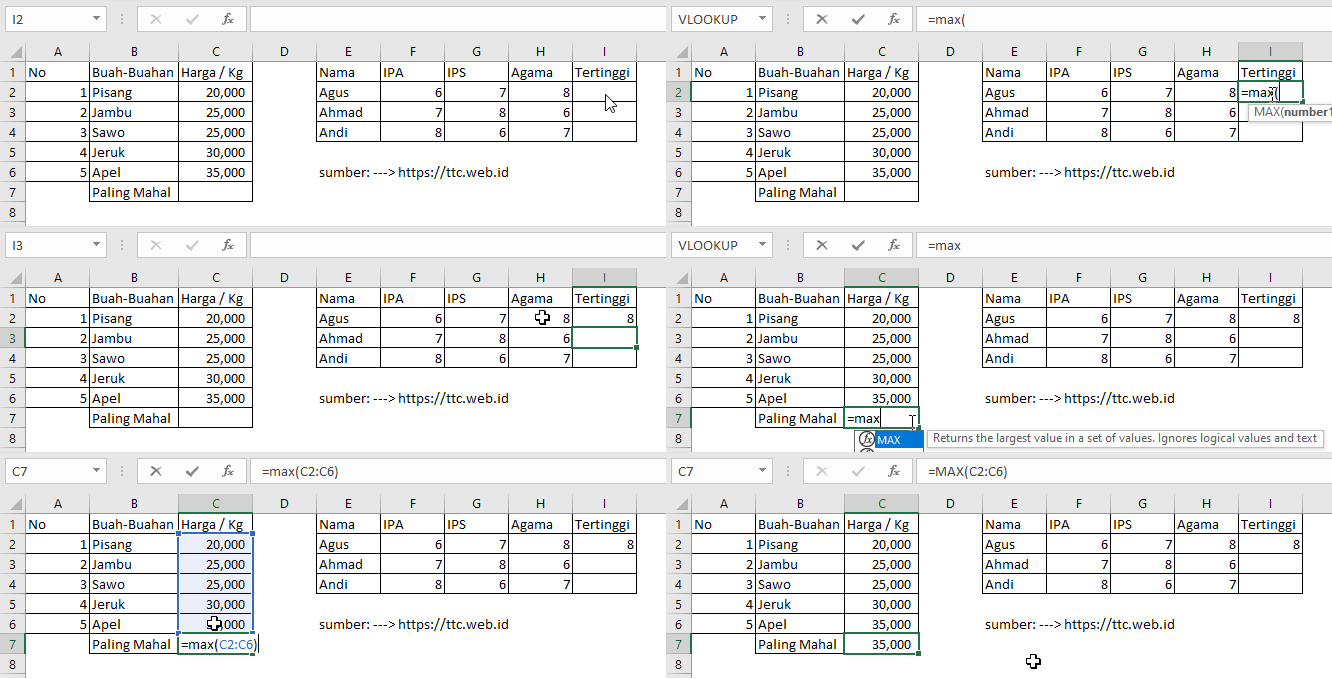
=MAX(C2:C6) returns the highest value between C2 and C6.Using
=MAX(F2:H2) returns the highest value between F2 and H2.